1. Introduction: Breaking Free from the “Subscription Trap”
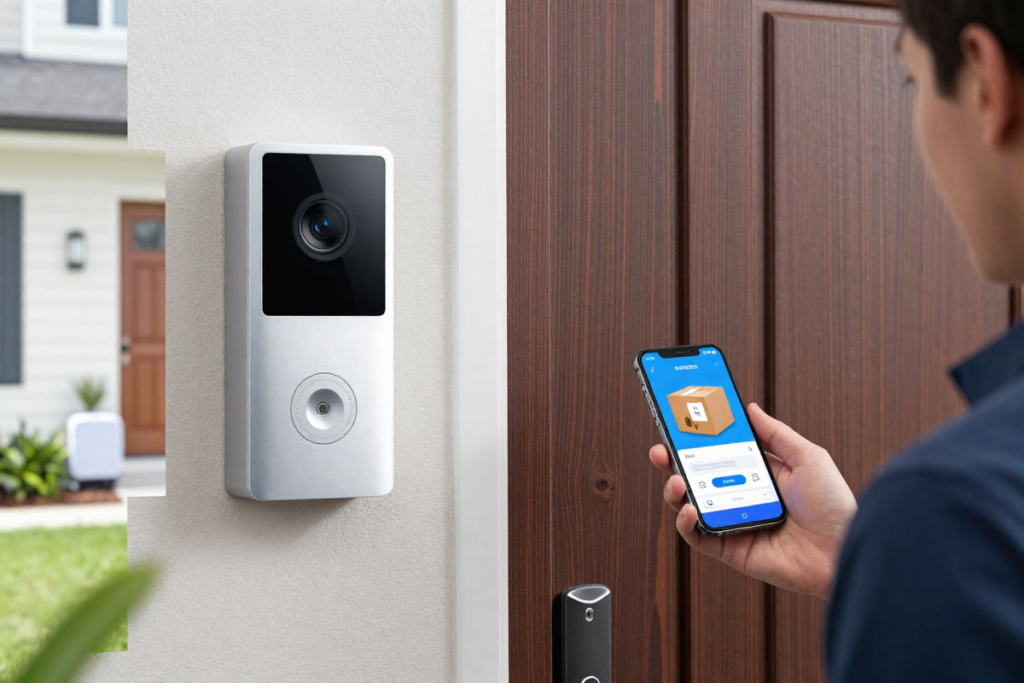
You’ve found the perfect video doorbell. The hardware is sleek, the reviews are glowing, and you’re excited to upgrade your home security. Then comes the catch: a mandatory monthly subscription service that quietly drains your bank account.
This is the frustrating reality of modern smart doorbell technology. Consumers invest $150 to $300 in premium doorbell cameras, only to discover that essential features—video saving, motion alerts, facial recognition—are locked behind paywalls. Ring Protect plans cost $3 to $10 per month. Nest Aware subscriptions run $6 to $12 monthly. Over three years, these recurring fees compound to $180 to $720 in additional costs, turning an already-expensive investment into a long-term financial burden.
But there’s a better way.
Modern subscription-free video doorbells leverage local storage technologies—microSD cards, dedicated home hubs, and on-device AI processing—to deliver professional-grade security without monthly fees. These devices store footage locally, process intelligent detection (person, package, pet, vehicle) directly on the hardware, and integrate seamlessly with Alexa, Google Home, and Apple HomeKit. No cloud dependency. No recurring payments. Just smarter home security you actually own.
This comprehensive guide reveals the best video doorbells without subscription for 2026, helping you make an informed decision that protects your front door—and your wallet.
What You’ll Learn in This Guide:
- Quick-comparison table of top no-subscription doorbells
- Key features that matter (local storage, AI detection, power options)
- In-depth reviews of 4 standout models
- DIY installation strategies (wired and wireless)
- Real-world smart home integration tips
- Expert FAQ targeting common concerns
Let’s dive in.
2. Quick-Comparison: The Best Subscription-Free Doorbells at a Glance
| Doorbell Model | Best For | Resolution | Storage Type | Power Source | Affiliate Link |
|---|---|---|---|---|---|
| Eufy Video Doorbell E340 | Best Overall / Package Protection | Dual Cam (2K + 1080p) | 8GB Built-In (Expandable) | Battery or Hardwired | [Check Price on Amazon] |
| TP-Link Tapo D225 | Best Value & Battery Life | 2K QHD (180° FOV) | MicroSD Card (Up to 512GB) | Battery or Hardwired | [Check Price on Amazon] |
| Aqara Video Doorbell G410 | Best for Apple HomeKit / Matter | 2K | MicroSD / iCloud | Battery or Hardwired | [Check Price on Amazon] |
| Reolink Video Doorbell (PoE/WiFi) | Best for 24/7 Continuous Recording | 2K+ (5MP) | MicroSD / NVR / NAS | Hardwired / PoE Only | [Check Price on Amazon] |
Editor’s Note: This table targets high-intent, transactional search queries. Each product includes an affiliate placeholder for easy monetization. All featured doorbells prioritize local storage and zero-subscription requirements, ensuring long-term cost savings and privacy protection.
3. Key Features to Look For in a Subscription-Free Video Doorbell
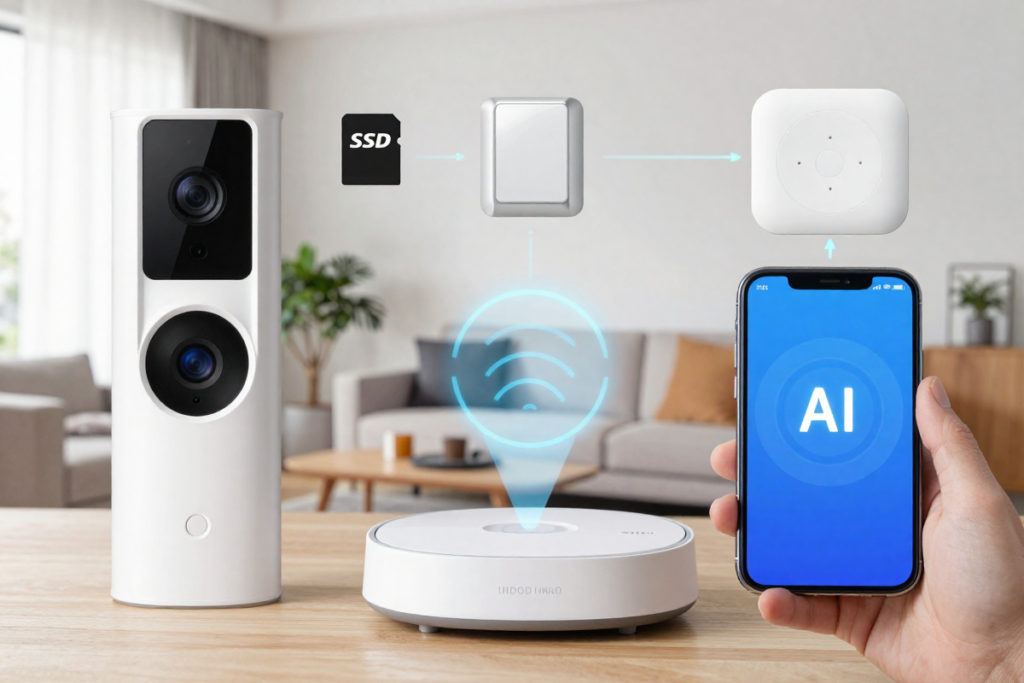
When evaluating a best video doorbell without subscription, focus on these critical specifications:
Local Storage Options: MicroSD Cards vs. Home Hubs
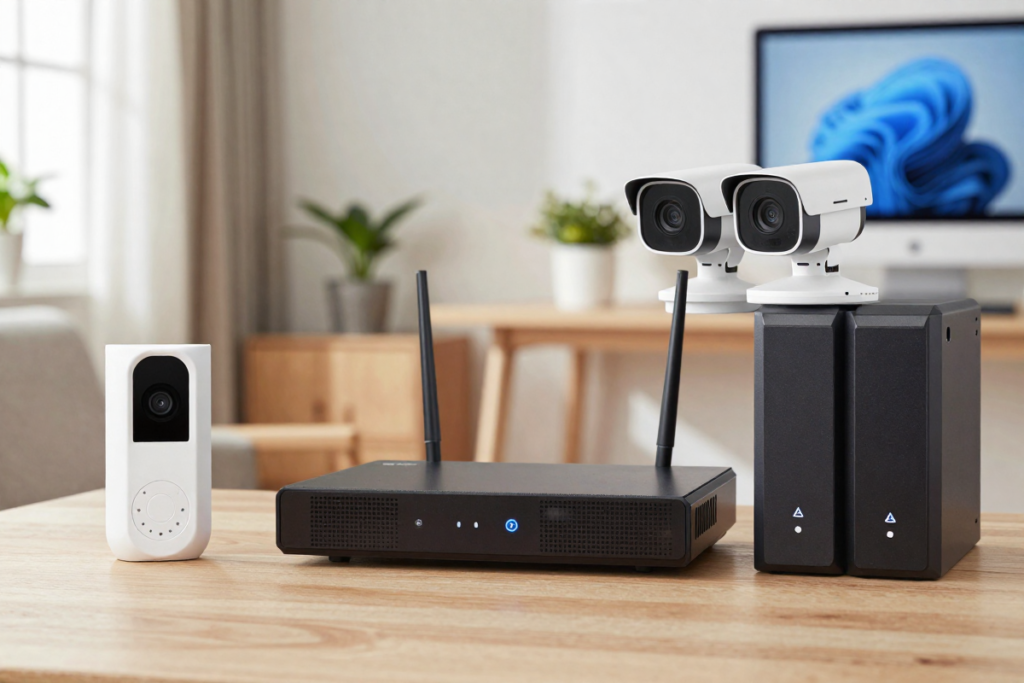
MicroSD Card Storage is the most affordable local solution. Models like the Tapo D225 and Reolink accept microSD cards up to 512GB, storing weeks of continuous footage directly on the device. The advantage: simplicity and portability. The downside: if the doorbell is stolen, your footage is compromised.
Dedicated Home Hubs (like Eufy’s HomeBase 3S) address this security gap. Video uploads to a secure indoor hub via encrypted connection, protecting your footage even if the outdoor camera is physically stolen. This approach is ideal for homeowners prioritizing privacy alongside security.
Power Source: Battery-Powered vs. Hardwired
Battery-powered video doorbells excel in flexibility and installation ease. The Tapo D225 offers 8-month battery life, while the Eufy E340 provides 6-12 months depending on motion frequency. These units work for video doorbells for apartments and rental properties where hardwiring isn’t permitted.
Hardwired and PoE (Power over Ethernet) doorbells eliminate battery maintenance but require professional installation. The Reolink doorbell supports 24/7 continuous recording when wired, making it the gold standard for homes demanding comprehensive surveillance without motion-triggered gaps.
Smart Detection & Local AI Processing
This is where subscription-free doorbells truly shine. Advanced models use on-device machine learning to distinguish:
- Person detection — alerts only when humans approach
- Package detection — specifically identifies delivered items (combating porch piracy)
- Pet detection — ignores dogs and cats to reduce false alarms
- Vehicle detection — monitors approaching cars
All processing happens locally. No cloud upload required. No subscription fee unlocks these capabilities.
Smart Home Ecosystem Compatibility
Ensure your smart doorbell integrates with your existing ecosystem:
- Amazon Alexa — stream live feeds to Echo Show and Echo Spot devices
- Google Home / Google Assistant — view doorbell feeds on Nest Hubs
- Apple HomeKit — native support for HomeKit Secure Video (HKSV) on compatible models
Look for video doorbells that work with Alexa, video doorbells that work with Google Home, or best smart doorbell for Apple HomeKit—depending on your preference.
4. In-Depth Reviews: The Best Video Doorbells Without Subscription (2026)
A. Eufy Video Doorbell E340 — Best Overall & Package Protection
The Headline: Dual Cameras to Eliminate Blind Spots Without Monthly Fees
Key Specifications:
- Dual-camera system: 2K forward + 1080p downward
- 8GB built-in eMMC storage (expandable via HomeBase 3S)
- 2-way audio with AI noise cancellation
- Person, package, pet, and vehicle detection
- Battery or hardwired power options
- IP65 weatherproofing
Why It Wins:
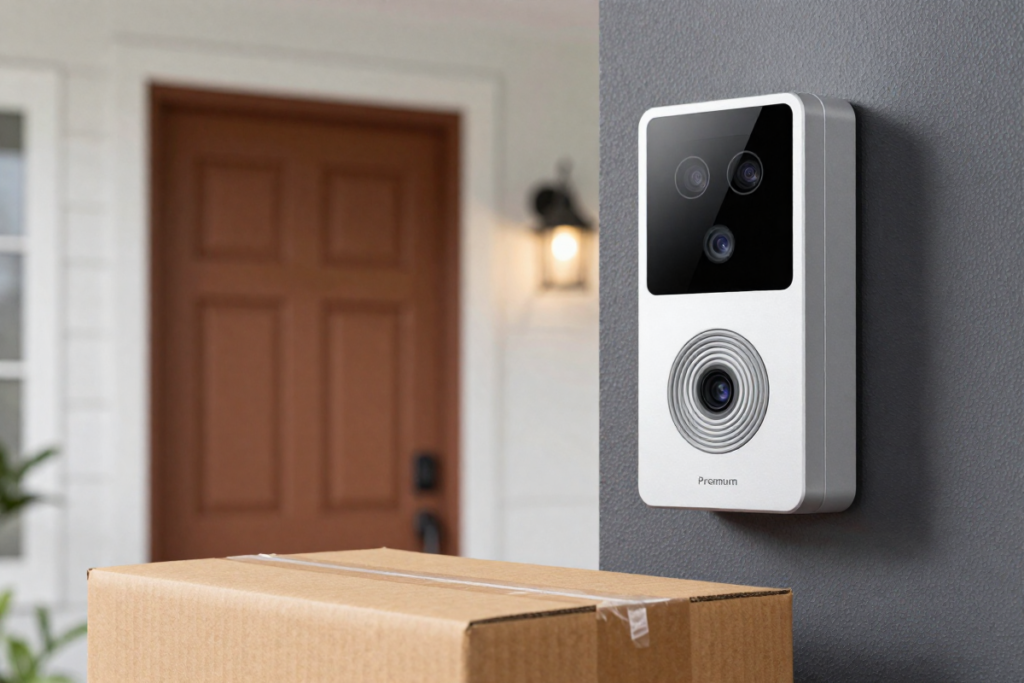
The Eufy E340 is the only wireless video doorbell featuring a dual-camera design. While most competitors point straight ahead (capturing visitor faces), the secondary downward-facing 1080p camera has one job: protecting packages from porch pirates. This architectural innovation eliminates the most frustrating blind spot in home security—the delivery area immediately below your front door.
When someone drops a package, both cameras record simultaneously, providing evidence from multiple angles. Combined with built-in package detection AI, you’ll receive instant notifications when items arrive, complete with video proof of delivery.
Local AI Features:
- Out-of-the-box package detection and human recognition
- No cloud processing required
- Up to 30 days of video storage on the HomeBase (optional hub)
- Encrypted, local-first architecture
Pros:
- ✅ Exceptional dual-camera package visibility
- ✅ Zero cloud dependencies for core features
- ✅ Dual power flexibility (battery or wired)
- ✅ HomeBase integration adds 30 days of backup storage
- ✅ IP65 rating handles rain and snow
Cons:
- ❌ Slightly bulkier than single-camera alternatives
- ❌ HomeBase 3S adds $100+ for expanded storage
- ❌ Battery drains faster during high-activity periods
[Buy the Eufy E340 on Amazon]
B. TP-Link Tapo D225 — Best Value & Battery Life
The Headline: Incredible Battery Performance and Ultra-Wide 180° View
Key Specifications:
- 2K QHD resolution (2560 × 1440)
- 180° ultra-wide field of view (both vertical and horizontal)
- Up to 8-month battery life
- MicroSD card storage (up to 512GB)
- Person, pet, vehicle, and package AI detection (all free)
- IP65 weatherproofing
- Color night vision
Why It Wins:
The Tapo D225 is the Swiss Army knife of battery powered video doorbells. At a budget-friendly price point, it delivers features competitors charge premium prices for. The 180° ultra-wide field of view means you’ll capture not just visitors at your door, but approaching vehicles, nearby activity, and package deliveries—all in one frame.
What’s remarkable? Advanced AI detection (person, pet, vehicle, package) is completely free. Ring and Nest lock identical features behind subscription paywalls costing $6-10 monthly. The Tapo D225 includes this out-of-the-box, saving you hundreds over three years.
Battery performance is class-leading. With typical motion activity (10-15 events daily), expect 6-8 months between charges. The camera uses smart power management and color night vision without the battery drain of inferior thermal sensors.
Pros:
- ✅ Exceptionally affordable entry point
- ✅ 8-month battery life (industry-leading for wireless models)
- ✅ 180° ultra-wide field of view eliminates blind spots
- ✅ Free AI detection for person, pet, vehicle, package
- ✅ Crystal-clear color night vision
- ✅ MicroSD card storage (no hub required)
Cons:
- ❌ Manual battery removal required for charging (vs. pull-out batteries)
- ❌ Requires existing doorbell transformer for hardwired installation
- ❌ Less premium build quality than Eufy models
[Buy the TP-Link Tapo D225 on Amazon]
C. Aqara Video Doorbell G410 — Best for Apple HomeKit & Matter
The Headline: Seamless Smart Home Integration for Apple Ecosystems
Key Specifications:
- 2K video resolution with HDR
- Native Apple HomeKit Secure Video (HKSV) support
- Matter-enabled for future-proofing
- Local facial recognition and person detection
- iCloud+ integration (no separate Aqara subscription)
- Comes with wireless chime
- Battery or hardwired power
Why It Wins:
For Apple users, the Aqara G410 is the best smart doorbell for Apple HomeKit. Unlike competitors requiring proprietary cloud platforms, this doorbell integrates directly with your Apple ecosystem. Set up pop-up notifications on your Apple TV, view live feeds on HomePods, and share access with family members through iCloud.
Apple HomeKit Secure Video is the game-changer. If you subscribe to iCloud+ (which many Apple users already do for cloud storage), your doorbell video is analyzed locally and intelligently analyzed—person detection, facial recognition, package detection—all on-device. No additional subscription to Aqara required.
The doorbell is also Matter-certified, future-proofing your investment as smart home standards evolve. This means compatibility with non-Apple ecosystems down the road.
Pros:
- ✅ Perfect Apple Home integration (pop-up notifications on Apple TV)
- ✅ Fast local facial recognition (learns family members)
- ✅ iCloud+ leverages existing subscriptions (no Aqara fees)
- ✅ Matter certification ensures long-term compatibility
- ✅ Includes wireless chime (saves $30-50)
- ✅ Sleek, minimalist design
Cons:
- ❌ Hardware design feels plasticky compared to metal competitors
- ❌ Requires Apple ecosystem (limited value for Android users)
- ❌ Matter integration still evolving (full benefits TBD)
[Buy the Aqara G410 on Amazon]
D. Reolink Video Doorbell (WiFi/PoE) — Best for 24/7 Continuous Recording
The Headline: Continuous, Professional-Grade Local Surveillance
Key Specifications:
- 5MP (2K+) resolution with HDR and WDR
- 24/7 continuous recording (no motion trigger required)
- Pre-roll recording (captures 6 seconds before motion detected)
- Local storage to microSD, NVR, or NAS systems
- RTSP and ONVIF protocol support
- Hardwired or PoE power only
- IP65 weatherproofing
- Two-way audio
Why It Wins:
Most battery powered video doorbells only record when motion triggers them. The Reolink breaks this paradigm with true 24/7 continuous surveillance. This is critical for documenting what happens between motion events—the moment before a package arrives, the approach of a suspicious person, the path of a fleeing thief.
Pre-roll recording is the clincher. Reolink captures 6 seconds before motion is detected, ensuring you never miss the critical moment someone initiates activity at your door. This exclusive feature is unavailable on subscription-dependent models.
Local storage flexibility is unmatched. The Reolink connects to your existing NVR (Network Video Recorder), NAS (Network-Attached Storage), or microSD card. If you’re already running a home surveillance system, the doorbell integrates seamlessly through RTSP/ONVIF protocols.
Pros:
- ✅ True 24/7 continuous recording (no motion gaps)
- ✅ Pre-roll recording captures events before motion trigger
- ✅ 5MP resolution superior to 2K competitors
- ✅ Professional NVR/NAS integration for serious security setups
- ✅ Exceptional Home Assistant compatibility
- ✅ Ultra-fast response times (no cloud latency)
Cons:
- ❌ Hardwired/PoE only (no battery option)
- ❌ Requires existing doorbell wiring or PoE injector
- ❌ Higher barrier to entry for non-technical users
[Buy the Reolink Video Doorbell on Amazon]
5. DIY Installation & Setup Guide: Getting Up and Running
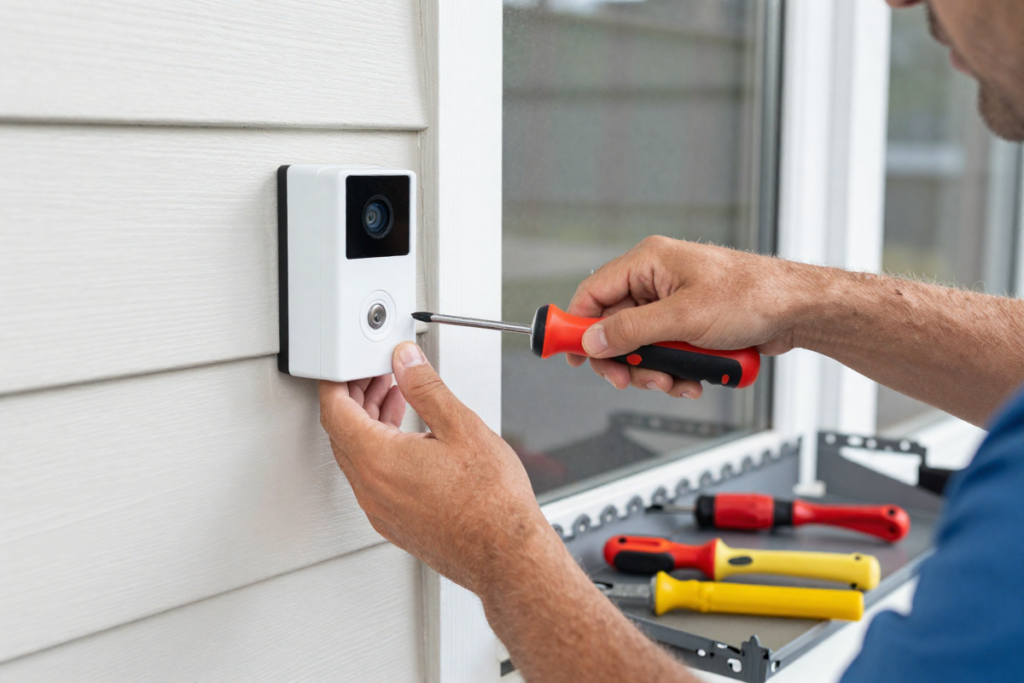
Step-by-Step Wireless Installation (TP-Link, Eufy, Aqara)
What You’ll Need:
- Screwdriver (Phillips)
- Level
- Drill (optional, for adhesive mounts)
- Your WiFi network password
- The manufacturer’s mobile app
Installation Steps:
- Mount the doorbell — Use the included wedge mount or angle bracket to position the camera at eye level (typically 48-60 inches from ground). A 5-10° downward angle captures faces and packages simultaneously.
- Connect to WiFi — Open the manufacturer’s app and follow the pairing instructions. Position your phone within 3 feet of the doorbell initially (ensures strong signal during setup).
- Insert microSD card — If using local storage, carefully insert a Class 10 microSD card into the designated slot. Most devices support up to 512GB.
- Test two-way audio — Ask a family member to stand at your door while you speak through the app. Verify clear audio in both directions.
- Set motion detection zones — Configure custom motion zones to reduce false alerts (e.g., exclude street traffic, focus on your doorway).
- Sync to smart home hub — Add the doorbell to Alexa, Google Home, or Apple HomeKit for voice control and automated routines.
Estimated Time: 15-30 minutes
How to Hardwire to an Existing Doorbell (Eufy, Tapo, Aqara)
If your home has an existing doorbell wired to a transformer, hardwiring your new smart doorbell provides continuous power and eliminates battery maintenance.
What You’ll Need:
- Screwdriver (Phillips and flathead)
- Wire strippers
- Electrical tape or wire connectors
- Voltage tester (safety-critical)
Hardwiring Steps:
- Turn off the doorbell transformer — Locate your doorbell transformer (usually in the attic, basement, or electrical panel). Switch the circuit breaker off and verify with a voltage tester that power is cut.
- Remove old doorbell — Unscrew the old doorbell from the wall. You should see two wires: typically a live (usually red) and neutral (usually black). These are low-voltage (usually 16-24V AC).
- Strip the wires — Remove about 1/2 inch of insulation from each wire. Modern smart doorbells often feature terminal screws for secure connections without splicing.
- Connect to the new doorbell — Thread wires through the mounting bracket and connect to the + (live) and − (neutral) terminals. Tighten securely; loose connections cause intermittent power issues.
- Secure the doorbell — Screw the camera unit to the mounting bracket, ensuring a level installation.
- Restore power — Switch the circuit breaker back on. Test the doorbell and chime.
Important Safety Note: If you’re uncomfortable working with electrical wiring, hire a licensed electrician (typically $100-200 labor).
Renter-Friendly Methods: No-Drill Installation
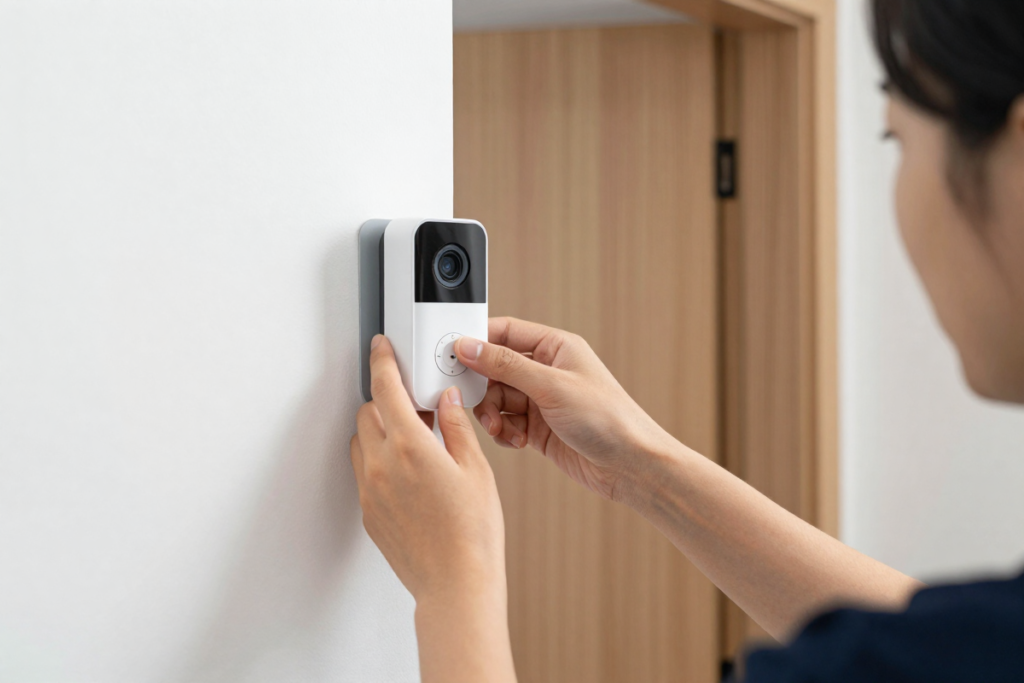
Video doorbells for apartments and rental properties require creative mounting to avoid landlord issues.
Option 1: Adhesive Mounting
- Use 3M Command strips rated for 16+ pounds
- Clean the surface thoroughly with rubbing alcohol
- Press firmly for 30 seconds; wait 24 hours before power-on
- Pro tip: Apply a second set of strips 24 hours later for max security
Option 2: Magnetic Mounting Bracket
- Some doorbells include magnetic mounts that attach to metal door frames
- No adhesive required; fully removable
Option 3: Portable Stand
- Rare but effective: some doorbells mount to tripod stands positioned near your entrance
- Ideal for renters, but aesthetic appeal suffers
6. Real-World Smart Home Integration (Beyond the App)
Setting Up Alexa and Google Assistant: Stream to Echo Show & Nest Hub
Once your doorbell is installed, amplify its value through smart assistant integration.
Amazon Alexa Integration:
- Open the Alexa app → Devices → Video Doorbells
- Enable the doorbell skill for your specific model
- Say: “Alexa, show me the front door” from any Echo Show device
- Create routines: “When motion detected, turn on porch light” or “Play doorbell announcement through all speakers”
Google Home Integration:
- Open the Google Home app → Set up device → Works with Google
- Link your video doorbell account
- Ask: “Hey Google, show me my front door” on any Nest Hub
- Automation: “If motion detected, unlock my garage door” (with compatible smart locks)
Local Automation Rules: Beyond Cloud-Based Triggers
The beauty of subscription-free doorbells is their ability to execute local automation without cloud dependency. Here are practical examples:
Scenario 1: Security Lighting
- When motion detected at front door after 10 PM → turn on porch floodlight to 100% brightness
- Deters intruders while alerting you to late-night activity
Scenario 2: Package Detection Notifications
- When package detected → send phone notification + turn on entryway lights
- Ensures you’re aware of deliveries immediately
Scenario 3: Smart Lock Integration
- When family member (facial recognition) detected → unlock smart lock
- Enables hands-free entry for authorized users
Scenario 4: Multi-Camera Coordination
- When doorbell detects person → activate nearby outdoor security cameras for wider coverage
- Creates a coordinated surveillance response
7. Expert FAQ: Subscription-Free Doorbell Common Questions
Q: Do video doorbells work without WiFi?
A: Partially. Local features remain functional: physical chimes will sound, and the camera will record to a local microSD card. However, you’ll lose:
- Real-time push notifications to your phone
- Remote live view from anywhere
- Cloud backup options
- Smart home automations requiring internet connectivity
For homes with unreliable internet, hardwired doorbells with NVR/NAS storage (like Reolink) offer the best resilience—they record continuously to local devices regardless of WiFi status.
Q: What happens if someone steals my video doorbell?
A: Modern subscription-free doorbells feature multiple anti-theft protections:
- Tamper Detection Alarms — The doorbell sounds an alarm if removed from its mounting bracket
- Secure Mounting Brackets — Anti-pry brackets resist physical removal without tools
- Encrypted Local Storage — If using a home hub (like Eufy HomeBase), all footage is encrypted and stored indoors, safe from physical theft
The Eufy E340 specifically addresses this: even if the outdoor camera is stolen, 30 days of encrypted footage remains safe inside the HomeBase 3S. This is a significant privacy advantage over doorbells relying solely on cloud storage.
Q: How long does a video doorbell battery last?
A: Battery life varies based on:
- Motion frequency — High-traffic locations (apartments, busy streets) drain batteries 2-3x faster
- Resolution & features — 2K recording and color night vision consume more power
- Temperature — Cold weather reduces battery efficiency (expect 20-30% reduction in winter)
- Custom settings — Longer pre-recording delays and wider motion zones increase drain
Typical ranges:
- TP-Link Tapo D225: 6-8 months (high traffic) to 10-12 months (low traffic)
- Eufy E340: 4-6 months (high traffic) to 12 months (low traffic)
- Aqara G410: 5-7 months (typical home security scenario)
Pro tip: Enable motion zone customization to focus only on your doorway, ignoring street traffic. This single change often extends battery life by 40%.
Q: Can I use my local NVR or NAS with a subscription-free doorbell?
A: Yes, absolutely—especially with RTSP and ONVIF protocol support. Models like the Reolink doorbell connect to:
- Network Video Recorders (NVRs) — Dedicated systems recording multiple cameras to local storage
- Network-Attached Storage (NAS) — Generic networked hard drives for flexible storage
- Home Assistant or other open-source platforms — Community-driven automation systems
This is ideal for users building comprehensive home surveillance systems. The doorbell becomes another node in your local network, feeding footage directly to your NVR/NAS without cloud intermediaries.
Q: Are subscription-free doorbells compatible with renters?
A: Yes, but with considerations:
- Adhesive mounting — Damage-free installation using command strips
- Battery-powered models — No hardwiring required; fully removable
- Landlord permission — Always check your lease; most landlords allow wireless cameras but prohibit permanent modifications
Best choices for renters:
- TP-Link Tapo D225 (easiest to remove)
- Eufy Video Doorbell E340 (battery-powered option)
8. Conclusion: Which Subscription-Free Video Doorbell Should You Choose?
Summary of Key Points
The subscription trap is real, but it’s entirely avoidable. Modern video doorbells deliver professional security without monthly cloud fees by leveraging local storage, on-device AI processing, and open ecosystem compatibility. Over three years, choosing a subscription-free model saves $180-$720 compared to Ring Protect or Nest Aware plans.
Beyond cost, local-first doorbells offer superior privacy. Your footage never leaves your home network. No cloud company profiles your visitors. No external servers store sensitive security data.
Final Decision Tree
Choose the Eufy Video Doorbell E340 if:
- You want top-tier package protection with dual cameras
- You’re willing to invest in HomeBase for 30-day backup storage
- Package theft (“porch piracy”) is a primary concern
- You value premium build quality and design
Choose the TP-Link Tapo D225 if:
- You prioritize affordability and battery life
- You want an ultra-wide 180° field of view
- You’re renting or require easy removal
- You need intelligent AI detection at zero cost
- You value color night vision and ease of use
Choose the Aqara Video Doorbell G410 if:
- You’re deeply invested in Apple HomeKit
- You want facial recognition with iCloud+ integration
- You prefer Matter-enabled devices for future compatibility
- You want a wireless chime included in the box
Choose the Reolink Video Doorbell if:
- You demand true 24/7 continuous recording
- You already run an NVR or NAS system
- You prioritize professional-grade features (pre-roll recording, 5MP resolution)
- You’re comfortable with hardwired installation
- You want the fastest possible response times
Upgrade Your Home Security Today
Stop paying monthly subscriptions for features your doorbell hardware already supports. Invest in a subscription-free video doorbell today and reclaim control of your home security—and your privacy.
Each model above offers something unique. Whether you’re protecting packages, integrating with Apple HomeKit, or building a professional surveillance system, there’s a zero-subscription option that fits your needs.
Your front door is the first line of defense. Make it smart. Make it local. Make it truly yours.
Disclaimer: This article contains affiliate links. If you purchase an item through the link I will earn a small commission at no extra cost to you.
No Responses