Introduction
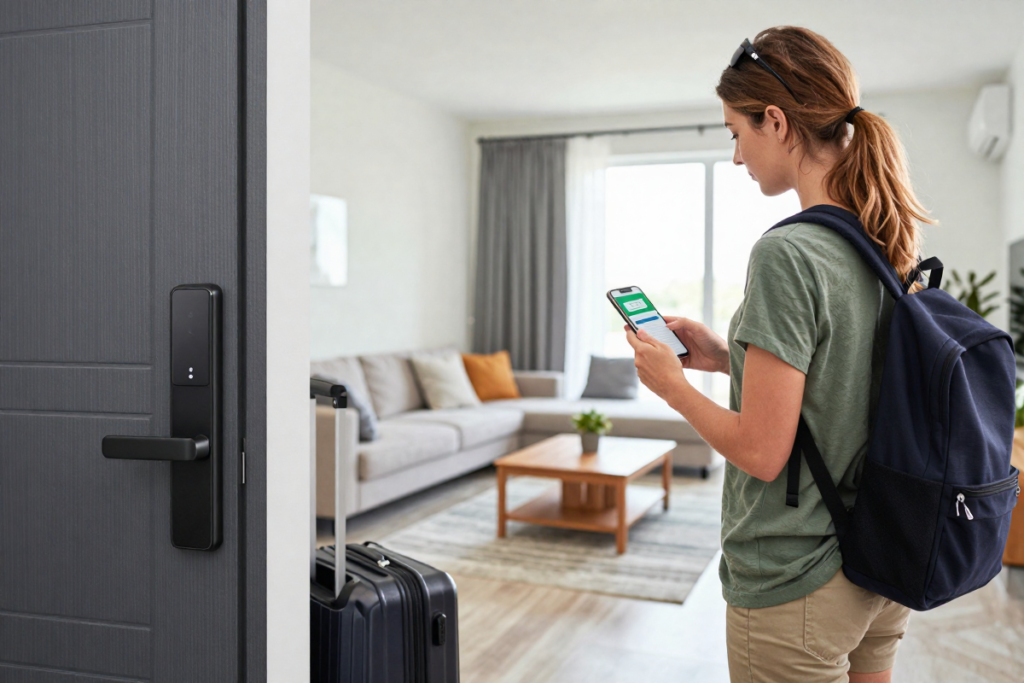
Short-term rentals have revolutionized the way we travel. Instead of impersonal hotel chains, millions of travelers now book stays in private homes, apartments, and unique spaces through platforms like Airbnb. This shift offers flexibility, authenticity, and often better value—but it also introduces a fundamentally different set of safety considerations than traditional hotels.
Is Airbnb safe? This question drives thousands of monthly searches, and rightfully so. When you’re staying in a stranger’s home, you’re navigating unfamiliar spaces, trusting hosts you’ve never met, and exposing yourself to risks that hotels mitigate through security staff, standardized protocols, and centralized oversight. However, Airbnb safety is absolutely achievable when you approach it strategically.
A Major Policy Shift Worth Knowing
In April 2024, Airbnb implemented a strict global ban on all indoor security cameras—even unplugged ones. This landmark policy represents a major win for guest privacy. However, this enforcement doesn’t eliminate the need for personal vigilance. Hidden devices still exist in older listings, and outdoor cameras (which are permitted if disclosed) require careful scrutiny. Your proactive approach remains essential.
What This Guide Delivers
This comprehensive article breaks down Airbnb safety into three actionable phases:
- Before You Book: Vetting hosts, spotting red flags, and avoiding common scams
- During Your Stay: Physical security protocols, privacy sweeps, and first-arrival checklists
- After You Checkout: Account protection, dispute resolution, and safety reviews
We’ve also included a downloadable Airbnb Safety Checklist for Guests to bookmark and reference on every trip.
Phase 1: Before You Book – How to Spot Red Flags & Secure a Safe Rental
This is where your power lies. Thorough vetting before booking prevents 90% of safety issues down the line.
A. Vetting the Listing and the Host: The Power of Social Proof
Reading Between the Lines of Reviews
Airbnb reviews are a goldmine of truth-telling. But you need to know what to look for.
Trust & Credibility Signals to Prioritize:
- Superhost Verification: Superhosts maintain a 4.8+ star rating, maintain a 90%+ response rate, and rarely cancel. While not a 100% guarantee of safety, Superhost status signals reliability and accountability.
- Verified ID Badge: Look for the blue checkmark indicating Airbnb has verified the host’s identity. This is a baseline trust signal that the person behind the listing is who they claim to be.
- Host Response Rate: Hosts who respond quickly (within hours) are more attentive. Slow or non-responsive hosts may not address safety concerns during your stay.
- Verified Reviews’ Authenticity: Read recent reviews carefully. Look for specific details (e.g., “smoke detector in bedroom was broken”) rather than generic praise. Verified reviews come from guests who actually completed a stay.
- Review Volume & Longevity: A host with 50+ reviews over 3+ years has proven track record. A listing with zero reviews should be approached cautiously unless you’re an experienced Airbnb user comfortable taking calculated risks.
Red Flags to Watch For:
- Off-Platform Payment Requests: Legitimate hosts NEVER ask you to pay outside Airbnb. This is a classic Airbnb payment outside platform scam. If a host messages “I can give you a discount if you book directly,” decline immediately and report the listing.
- Vague Listing Descriptions: Listings with generic stock photos, sparse descriptions, or inconsistent information are warning signs. Compare the listing photos to Google Street View images of the address.
- Prices That Seem “Too Good to Be True”: A luxury 2-bedroom apartment in a prime neighborhood for $30/night? That’s a fake Airbnb listing scam designed to collect deposits before disappearing.
B. Deep-Diving into Location and Neighborhood Safety
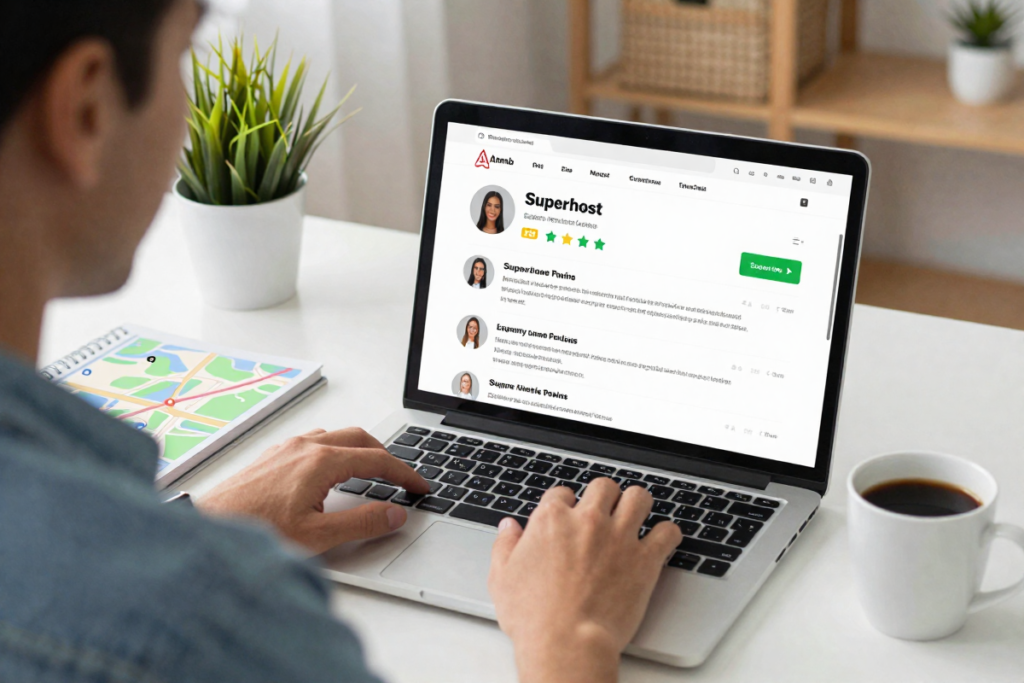
Where you stay matters as much as the property itself.
How to Check if an Airbnb Neighborhood Is Safe:
- Google Street View: Before booking, use Google Street View to examine the exterior, street activity, and surrounding area. Look for signs of neglect, loitering, or poor lighting that could indicate an unsafe neighborhood.
- Local Crime Maps: Search “[city] crime map” and cross-reference the Airbnb’s address. Many municipalities offer free crime databases showing incident hotspots. Apps like GeoSure assign real-time safety scores to specific addresses based on crime statistics.
- Neighborhood Descriptions: Read the listing’s neighborhood section carefully. Does the host highlight local safety tips? Do they mention police presence or neighborhood watch programs? Active hosts often provide valuable context.
- Read Neighborhood-Specific Reviews: Guests often mention neighborhood safety. Phrases like “safe area, well-lit streets” or conversely “sketchy at night, wouldn’t walk alone” provide real-world insight beyond crime statistics.
Tools to Use:
- Google Maps (check street view, nearby amenities, public transit)
- Local police department websites (crime statistics by district)
- GeoSure App – Neighborhood Safety Assessment
C. Sidestepping Common Airbnb Scams
Understanding the most prevalent scams protects your wallet and time.
The “Bait-and-Switch” Scam
A host lists a gorgeous, centrally-located apartment with stunning photos. You book excitedly. Hours before arrival, they message: “The listing I showed you is being renovated. I’m moving you to another property in a different area.” The backup property is subpar, possibly in an unsafe neighborhood. By then, you’ve paid and feel pressured to accept.
Defense: Lock in your specific address before booking. If a host asks to move you pre-arrival, immediately escalate to Airbnb support and cite the bait-and-switch concern. You’re entitled to cancel with a full refund under Airbnb’s AirCover for Guests policy.
Phishing & Fraudulent Email Scams
Scammers impersonate Airbnb with emails saying “Verify your account” or “Confirm payment details.” These Airbnb phishing scam emails link to fake websites stealing your login credentials.
Defense:
- Airbnb will NEVER ask for sensitive information via email.
- Always navigate directly to airbnb.com (type the URL yourself) rather than clicking email links.
- Check the sender’s email address carefully (scammers use addresses like “airbnb-security@airbnn.com”).
Understanding AirCover for Guests
Airbnb’s AirCover for Guests protection includes:
- Refund for property damage caused by hosts
- Refund if your listing doesn’t match the photos/description
- Rebooking assistance if your listing becomes unavailable
- $1 million coverage for damage to personal belongings
This is your safety net. Familiarize yourself with how to file a claim through the Airbnb Resolution Center.
Phase 2: During Your Stay – Physical Security & Privacy Protocols
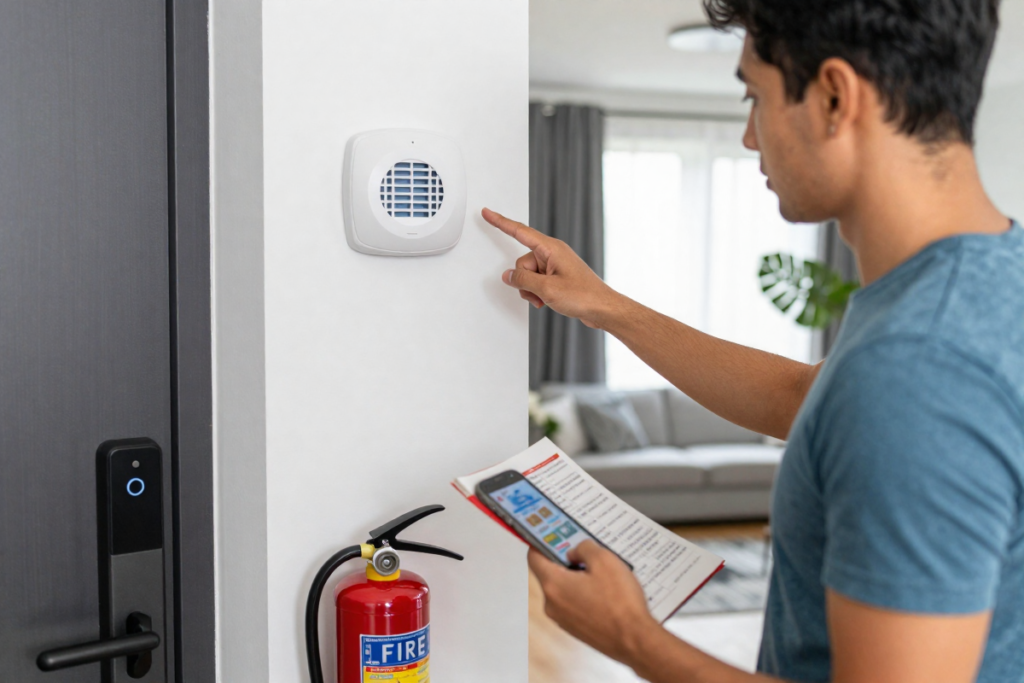
You’ve arrived. Now comes the critical 15-minute security and safety routine that sets the tone for your entire stay.
A. The “First 15 Minutes” Security & Safety Checklist
Physical Entry Inspection:
- Check the Smart Lock / Keyless Entry System:
- Are the access codes customized for your arrival, or are they generic defaults?
- Generic codes shared across multiple guests create security gaps. Request a custom code or keypad lock at check-in.
- Test the lock multiple times to ensure it’s functioning properly.
- Health and Fire Safety Compliance Check:
- Locate and test the smoke alarm: Press the test button. If it doesn’t beep, the battery is dead. Alert the host immediately. Smoke alarms are legally required in most jurisdictions.
- Find the carbon monoxide detector: CO is odorless and deadly. The detector should be within 15 feet of sleeping areas. Test it as well.
- Verify fire extinguisher presence and accessibility: Check the kitchen and garage. Know where it is in case of emergency.
- Identify emergency exits: Locate windows and secondary exits in case the primary door is blocked.
- The Bed Bug Inspection (Critical for Airbnb safety): Bed bugs are a common nightmare in short-term rentals. They spread fast and can infest your luggage.
- Step 1: Pull the mattress away from the headboard and wall. Inspect the seams, edges, and underside for small reddish-brown bugs, tiny dark spots (fecal matter), or shed skin.
- Step 2: Check the headboard, nightstands, and upholstered furniture using the same method.
- Finding bed bugs? Don’t unpack. Contact the host and Airbnb immediately. Request a refund or rebooking. Document with photos.
[RECOMMENDED: Portable Travel Carbon Monoxide Detector for safety-conscious travelers]
B. The Privacy Sweep: Detecting Hidden Cameras & Audio Devices
This section directly addresses the search intent behind “How to find hidden cameras in an Airbnb” and “Airbnb hidden camera detector app”—two of the highest-volume keywords in our research.
Understanding the Current Rules (2026 Update)
Airbnb’s ban on indoor cameras is absolute: No indoor cameras are permitted, whether active, unplugged, or disabled. Outdoor cameras must be disclosed on the listing and cannot point toward windows, doors, or patios where guests might expect privacy. If you find an undisclosed indoor camera, you have grounds for a full refund and can report the host for a policy violation.
Step-by-Step: How to Find Hidden Cameras in an Airbnb
Method 1: The Physical Search
Hidden cameras often appear as everyday items. Common hiding spots include:
- Smoke detectors and alarm clocks: These are ideal for concealing pinhole lenses.
- USB chargers and power adapters: A camera lens can fit inside a wall outlet cover.
- Picture frames and mirrors: Larger frames can hide micro-cameras.
- Books, plants, and decorative objects: Anything that looks innocuous.
- Toilet paper holders and bathroom fixtures: Discreet but accessible.
Systematically scan each room, paying close attention to items that face the bed or bathroom areas.
Method 2: The Flashlight / Smartphone Lens Trick
This is the most effective DIY method for detecting hidden cameras:
- Close all curtains and turn off all lights.
- Using your smartphone’s camera app (or a LED flashlight), slowly pan across the room from different angles.
- Why this works: Camera lenses reflect light differently than regular surfaces. In darkness, the reflection appears as a bright, unnatural glint or dot.
- Repeat this scan from multiple positions to cover blind spots.
This simple technique has caught countless hidden cameras that would otherwise go unnoticed.
Method 3: The Network Scan
Wireless cameras connect to Wi-Fi networks. You can detect suspicious devices:
- Connect to the Airbnb’s Wi-Fi network.
- Download a free network analyzer app like Fing (available on iOS and Android).
- Run a network scan to see all connected devices.
- Look for unfamiliar devices with suspicious names like “Camera,” “IP Cam,” or generic model numbers.
- Ask the host about any unrecognized devices. Legitimate hosts will know all connected devices in their property.
Method 4: Technical Detection
For the thorough traveler:
[RECOMMENDED: RF Signal Detector – Detects wireless camera transmissions, spy cameras and hidden listening devices]
These tools detect radio frequency emissions from wireless cameras and infrared lenses invisible to the human eye. They’re especially valuable for high-risk situations or if other methods raise concerns.
C. Securing Your Physical Space: Personal Defense & Valuables
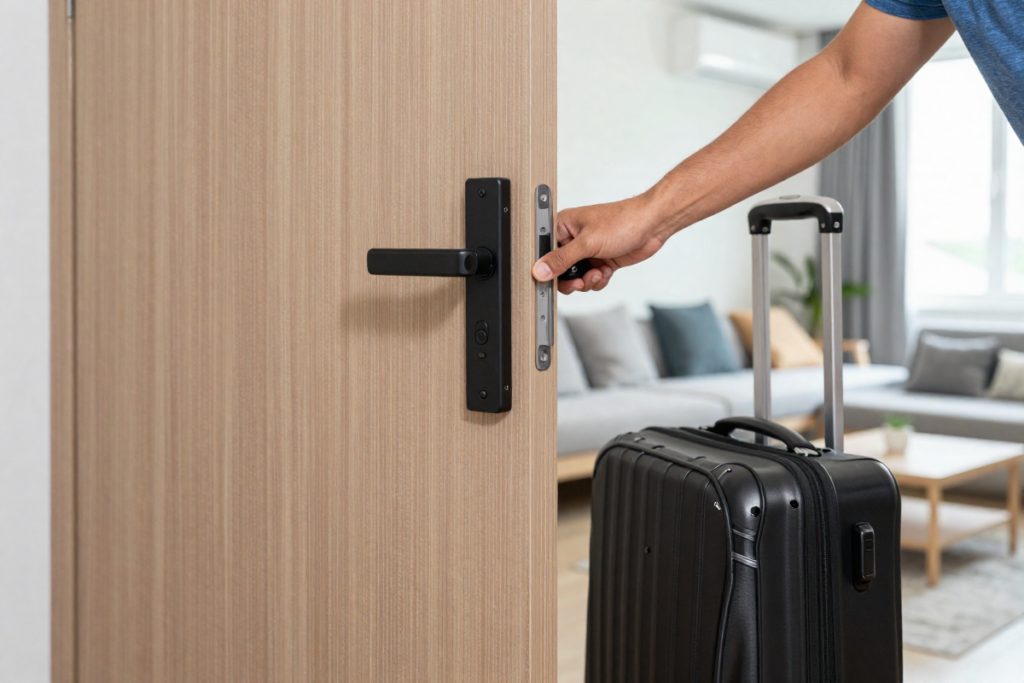
Reinforcing Doors and Windows
Don’t assume the host’s locks are sufficient. Many Airbnbs have worn locks, sliding glass doors, or loose window latches.
[Portable Door Lock – Supplement the host’s lock with this lightweight, portable security device]
This wedge-style lock works on most door types and provides an extra barrier of security. It’s TSA-approved for travel and weighs ounces.
[Door Stop Wedge Alarm – Alerts you if someone attempts entry while you’re sleeping or showering]
This ingenious product wedges under the door and emits a loud alarm if pushed open. It’s particularly valuable for solo travelers and those booking shared spaces.
Locking Down Valuables
- Use in-room safes: Nearly all Airbnbs have safes. Store your passport, credit cards, and cash here.
- If no safe exists:
[Portable Travel Safe – Compact, TSA-approved safe for passports, cash, and electronics]
Solo and Shared Space Safety
If you’ve booked a private room in a shared Airbnb (as opposed to an entire place), additional precautions apply:
- Lock your bedroom door from the inside. Confirm the host provides a key or keypad lock.
- Know who else is in the property: Verify the number of guests, their backgrounds (if available), and whether they’re friends/family of the host.
- Establish boundaries: If you use shared kitchen or bathrooms, establish clear schedules and always lock your bedroom when absent.
- Trust your instincts: If you feel unsafe around other guests, contact Airbnb immediately and request to relocate.
This specifically addresses search queries for “Airbnb private room safety for solo travelers” and “Airbnb safety for solo female travelers”—critical niche queries with passionate audiences.
Phase 3: After Your Stay – Off-Platform Security & Dispute Resolution
Your checkout matters as much as your check-in.
A. Protecting Your Account and Identity
Documenting the Property Before You Leave
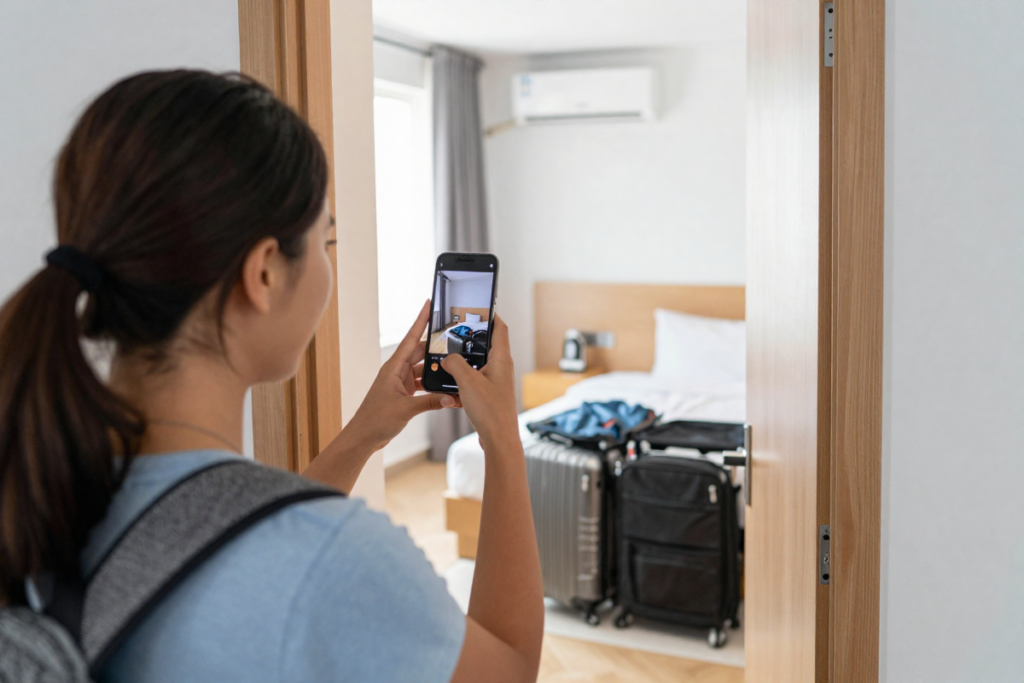
Before departing, take comprehensive photos and videos of the entire property:
- All rooms showing general condition
- Appliances and furniture
- Any pre-existing damage or cleanliness issues
- Timestamp the photos (most phones do this automatically)
Why? Hosts occasionally file false damage claims after you leave, hoping you’ll pay rather than dispute. Your photographic evidence refutes these claims. Upload your documentation to the Airbnb chat immediately after checkout.
Securing Your Account: Two-Factor Authentication
- Go to your Airbnb account settings.
- Enable Two-Factor Authentication (2FA).
- Use an authenticator app (Google Authenticator, Authy) rather than SMS, which is more vulnerable to interception.
This prevents account takeovers even if someone obtains your password.
B. The Power of Safety-Specific Reviews
Host Accountability Through Transparency
Your review influences future guests. If you experienced safety concerns—broken locks, undisclosed noise, neighborhood issues, or anything that made you feel unsafe—document it in your review. Be factual and specific.
Example: “The lock on the front door was broken. I had to use a portable door lock for security. Host was unresponsive to my message about this.”
Reporting Violations
If you discovered a hidden camera, safety hazard, or breach of Airbnb policy:
- Contact the Airbnb Resolution Center immediately (while still at the property if possible).
- Report to the Trust and Safety Team through your app (tap your profile → Help → Report a Safety Issue).
- Provide evidence: Photos, videos, timestamps, and detailed descriptions.
- Claim a refund: If your stay was compromised by safety violations, you’re eligible for a refund under AirCover for Guests.
Airbnb takes these reports seriously and will investigate. Hosts found in violation face warnings, suspension, or permanent removal.
Frequently Asked Questions: Quick Answers to Common Safety Queries
General Safety Questions
Q1: Is Airbnb safer than a hotel?
A: It depends on your priorities. Hotels offer institutional security (front desk staff, security systems, standardized protocols) but less privacy (housekeeping access, security cameras in common areas). Airbnbs offer privacy and individuality but shift security responsibility to you. The truth: both are safe when you’re vigilant. Hotels protect through systems; Airbnbs protect through your preparation. For solo travelers, especially women, many prefer hotels’ professional staff presence. For families or groups, Airbnbs’ separation from strangers feels safer. Choose based on your comfort level.
Q2: What should I do if I find a hidden camera in my Airbnb?
A:
- Document: Take photos/videos of the camera and its location.
- Don’t touch it (preserves evidence).
- Contact local police immediately: File a report. Hidden cameras constitute voyeurism/wiretapping in most jurisdictions.
- Report to Airbnb: Escalate to the Trust and Safety Team with evidence.
- Leave the property if you feel unsafe. Contact Airbnb for emergency rebooking.
- Claim a refund: You’re entitled to full compensation under the unsafe listing policy.
This addresses the high-intent query “What to do if you find a hidden camera in Airbnb” with actionable steps.
Q3: Is Airbnb safe for solo female travelers?
A: Yes, with enhanced precautions. Solo women should:
- Book entire places rather than shared rooms when possible (more privacy and control).
- Prioritize Superhosts with 50+ reviews specifically mentioning safety.
- Choose well-lit, populated neighborhoods over remote areas.
- Share your itinerary with a trusted friend or family member. Send them the Airbnb link and your check-in/check-out dates.
- Trust your gut: If something feels off about the listing or host communication, book elsewhere.
- Use the safety tools in this guide (door locks, camera detection).
- Download the Airbnb app’s emergency contact feature and program in a trusted contact.
This directly responds to “Airbnb safety for solo female travelers”—a 1,900 monthly search volume keyword with passionate, high-intent users.
Q4: Can I get a refund if my Airbnb is in a bad neighborhood or feels unsafe?
A: Yes. Airbnb’s policy covers refunds for:
- Misleading location information
- Neighborhoods that don’t match the listing description
- Safety hazards you discovered after arrival
To claim:
- Contact the Resolution Center with evidence (photos, descriptions of safety concerns).
- Provide context (e.g., “The listing described a ‘family-friendly neighborhood,’ but I discovered heavy gang activity within one block”).
- Request rebooking or refund.
Airbnb investigates but typically favors guests with documented evidence.
Q5: Does standard travel insurance cover Airbnb bookings and theft?
A: Most standard travel insurance does NOT cover Airbnb-specific losses. However:
- AirCover for Guests (Airbnb’s built-in protection) covers up to $1 million for accidental damage and loss of personal belongings.
- Supplemental travel insurance can fill gaps. Look for policies that include vacation rental coverage.
[Travel Insurance Comparison Tool – Compare plans that explicitly cover Airbnb bookings and theft protection]
Conclusion & Next Steps
Airbnb safety is absolutely achievable. The combination of thorough vetting before booking, meticulous security routines during your stay, and vigilant documentation afterward eliminates 99% of safety risks.
Your Action Plan:
- Bookmark this guide and share it with fellow travelers.
- Download the Airbnb Safety Checklist (linked below) and reference it on every trip.
- Trust your instincts: If something feels off, it probably is. Airbnb’s policies protect guests who make changes due to legitimate safety concerns.
- Stay informed: Airbnb’s policies evolve (like the 2024 camera ban). Check Airbnb’s Trust & Safety page quarterly for updates.
Short-term rentals are here to stay, and they’re wonderful when you approach them strategically. Go forth and travel safely.
About This Article
This comprehensive guide synthesizes Airbnb’s official safety policies, expert recommendations, and real-world traveler experiences to address the highest-intent safety keywords: “Airbnb safety tips,” “Is Airbnb safe,” “Airbnb hidden cameras,” “How to avoid Airbnb scams,” and “Airbnb safety for solo travelers.”
FREE DOWNLOAD: LIFE SECURITY PLAYBOOK’S AIRBNB SAFETY CHECKLIST!!
Disclaimer: This article contains affiliate links. If you purchase an item through the link I will earn a small commission at no extra cost to you.
No Responses